

As sound reinforcement systems become increasingly complex and deployment windows for live productions grow ever tighter, system engineers must make sure their designs will perform as intended well before load-in. Manufacturer-specific modeling and prediction software already provides the tools to assess those designs and give production teams and other stakeholders confidence in the outcome. d&b, already well established in this area with ArrayCalc for system modeling and NoizCalc for predicting environmental noise emissions, is now adding another dimension: the ability to listen to loudspeaker system designs over headphones using an integrated binaural rendering engine.
ArrayCalc, the d&b sound system simulation and design software widely used by system engineers, is the first application to benefit from this development. The new System Auralization feature is fully integrated into the existing workflow, allowing users to hear the system they are designing. This is an exceptionally useful way to evaluate performance characteristics that may be easier to judge by ear than by interpreting numerical data or graphical plots. Of course, listening and visual prediction remain complementary.
ArrayCalc System Auralization generates a real-time binaural rendering of the system being simulated. Listening is primarily through headphones, with options to compensate for their tonal coloration. Engineers import audio files of their choice and hear the simulated output of their current system design in real time. They can move around the virtual venue and listen from different audience positions (20 in total) within the coverage area, immediately hearing the consequences of their decisions.
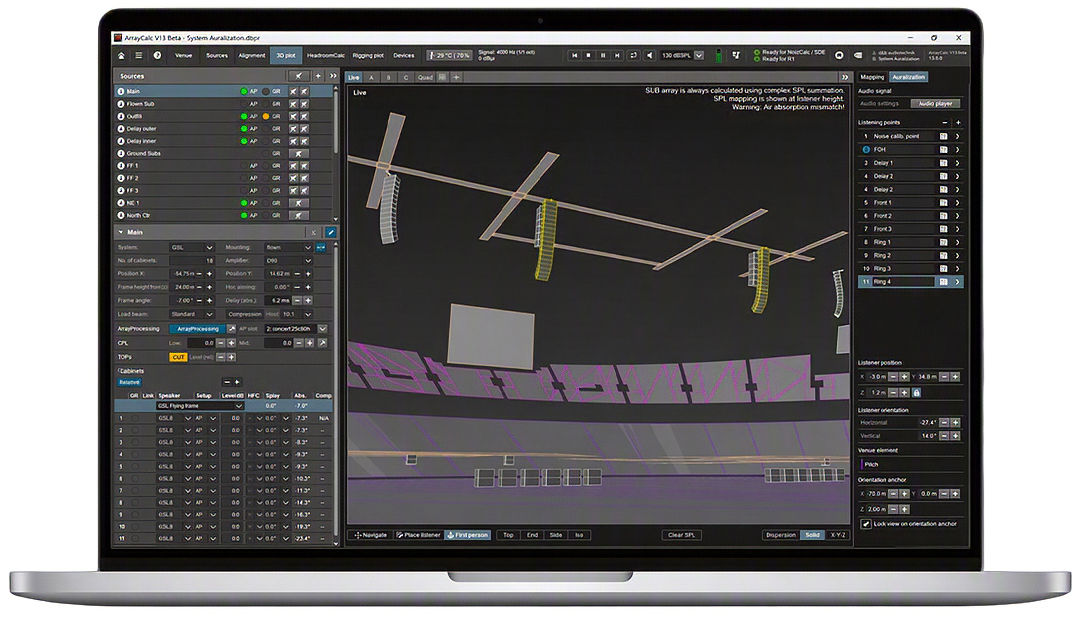
Although the rendering does not simulate the acoustics of the venue itself, it does account for direct sound and acoustic shadowing. The impact of architectural obstructions, such as a balcony, can therefore be heard. It is also possible to assess the direct sound field at a specific system overlap or transition point—something that may be difficult to isolate on site in a highly reverberant venue such as a stadium. ArrayCalc’s new snapshot feature makes the workflow even more practical by recalling different system configurations without interrupting audio playback.
As with any binaural simulation, the perception of a three-dimensional sound field depends heavily on the listener’s individual anatomy. Some listeners will happen to be a close match for the generic HRTF (Head-Related Transfer Function) used by the renderer and will readily distinguish front from back and perceive elevation cues. Others will find those spatial cues less convincing. But is absolutely precise 360-degree imaging really what we need from a tool used every day for sound system simulation? Certainly not.
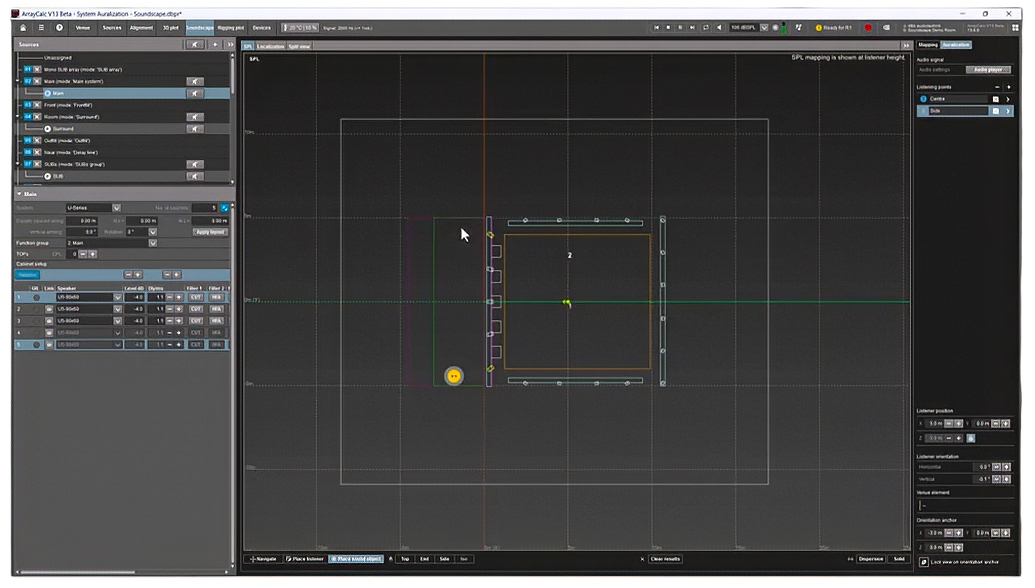
System Auralization helps engineers validate critical design decisions such as array geometry and positioning. They can listen for consistent coverage from the front row to the back of the audience, examine interaction and filtering between loudspeaker groups to evaluate their integration, assess the effect of DSP processing on tonal balance throughout the audience area, and check directivity control. Auralization is also available for spatialized Soundscape systems, making it possible to evaluate, among other things, the effectiveness of sound object localization. And with ArrayCalc snapshots, A/B comparisons between different design choices or filter settings are fast and convenient.
This gives system engineers greater confidence in their design decisions and helps them anticipate the main challenges of a sound reinforcement system. It can save valuable time both before the show and during system deployment. The feature also has considerable explanatory value: it is usually easier for nontechnical stakeholders to understand an issue by listening to it than by interpreting a set of measurements. Beyond day-to-day engineering, it is an excellent educational tool, enabling anyone interested to explore and understand how loudspeaker systems behave.
This new feature is available in the downloadable beta version of ArrayCalc.
Watch the video:
Continuing to expand its production ecosystem, d&b is also introducing vCore. Available free of charge, this standalone software processing engine provides a new entry point into Soundscape system design and preproduction. It makes it possible to prepare projects without a physical d&b processing engine, thanks to a binaural renderer running the En-Scene object-positioning algorithm natively on macOS and Windows.
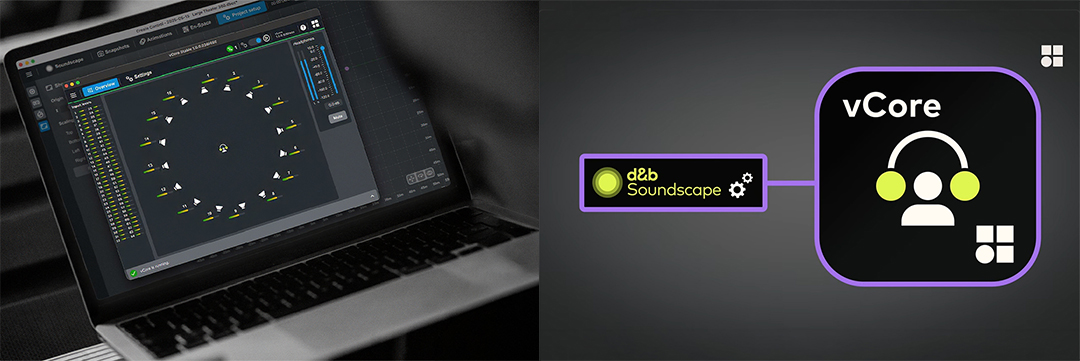
Used together with d&b Create.Control, vCore lets users build and audition immersive, object-based Soundscape mixes directly over headphones, without additional hardware. vCore supports up to 64 input channels, while its built-in AudioBridge lets users route audio directly from their preferred digital audio workstation (DAW).
Once prepared, the project can be deployed on site using a DS100 processor. Even then, vCore remains useful: running alongside the hardware processor, it can generate a binaural mix of the live show for streaming or recording, providing an easily shareable format for production teams and other stakeholders.
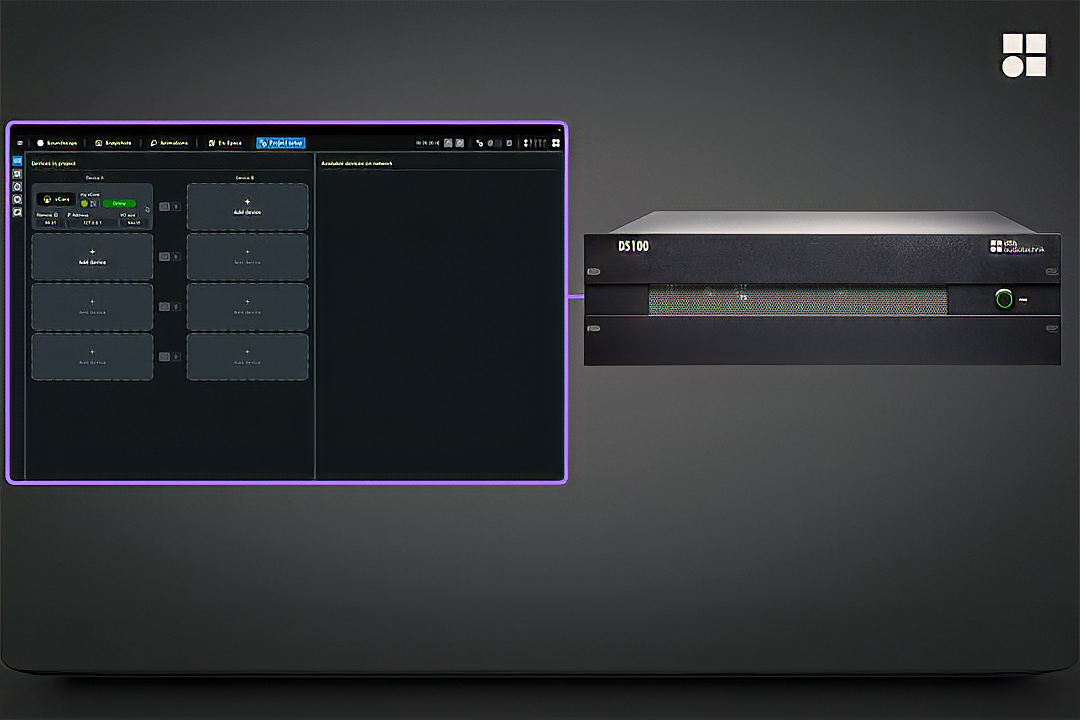
vCore is available as a free download.
Watch the video:
By relying on equipment virtually every audio professional already owns, binaural rendering offers a particularly practical way to make complex projects more accessible, whether traditional sound reinforcement or immersive audio. d&b clearly shares that view, providing two free native software solutions with numerous practical and educational applications.
System engineers gain a valuable complementary tool for evaluating their designs, while artists, sound designers, mixing engineers, technicians, and students can use these tools to explore the worlds of professional sound reinforcement and object-based mixing.
So there is just one message: grab your headphones!
More information with www.dbaudio.com